Device
Navigation: Diagnostics > Audit > Device
The Device tab within the Audit page logs changes that occur on the device's external interfaces. This includes events such as USB devices being connected or removed, network link state changes, and GPIO signal modifications. Use this tab to monitor hardware-level activity and identify unexpected interface state transitions that may indicate physical tampering, cable faults, or environmental changes.
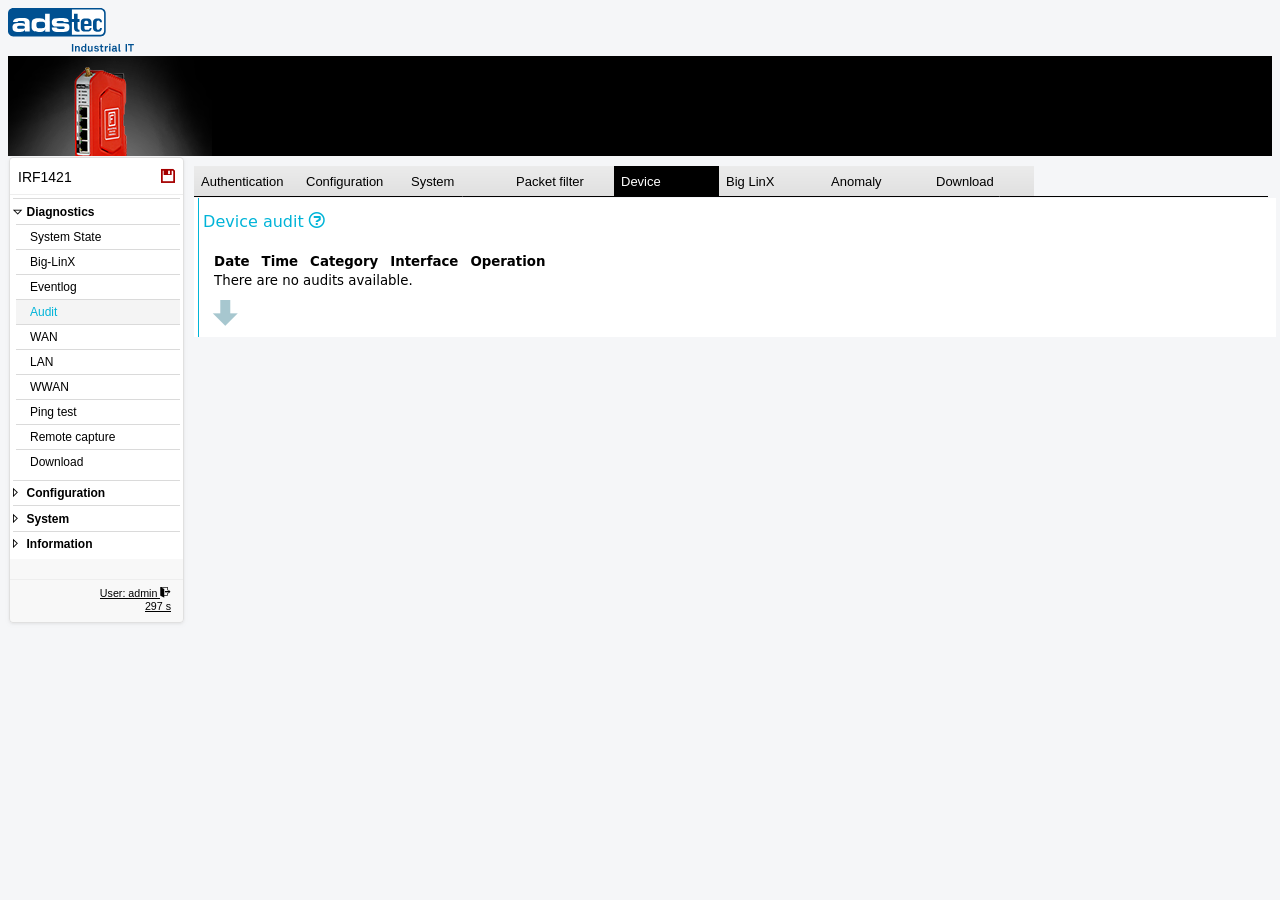
Device audit columns
The Device tab displays a table of device-related audit events with the following columns:
- Date
- The date on which the device event occurred.
- Time
- The time at which the device event occurred.
- Category
- The type of device event. Typical categories include IO for input/output events (such as GPIO or USB changes) and LINK for network link state changes.
- Interface
- The name of the physical or logical interface affected by the event, such as a network port identifier (e.g., eth2) or an I/O channel name (e.g., IO_VPNKEY).
- Operation
- The state change that occurred on the interface — for example, UP when a link is established or a signal is activated, or DOWN when a link is lost or a signal is deactivated.
Note
The audit log is a shared 40 MB ring buffer. When the buffer is full, the oldest entries across all tabs are overwritten. For long-term retention, regularly download the audit log using the Download tab and archive it on an external system. Review the Eventlog page for general system event monitoring.