Download
Navigation: Diagnostics > Download
The Download page allows you to create and download a diagnostic file that contains all relevant data for technical support. When contacting support to report a problem, download this file and submit it together with your problem description. The diagnostic file includes system-internal debugging information and the complete device configuration, but excludes sensitive credentials such as passwords and private keys.
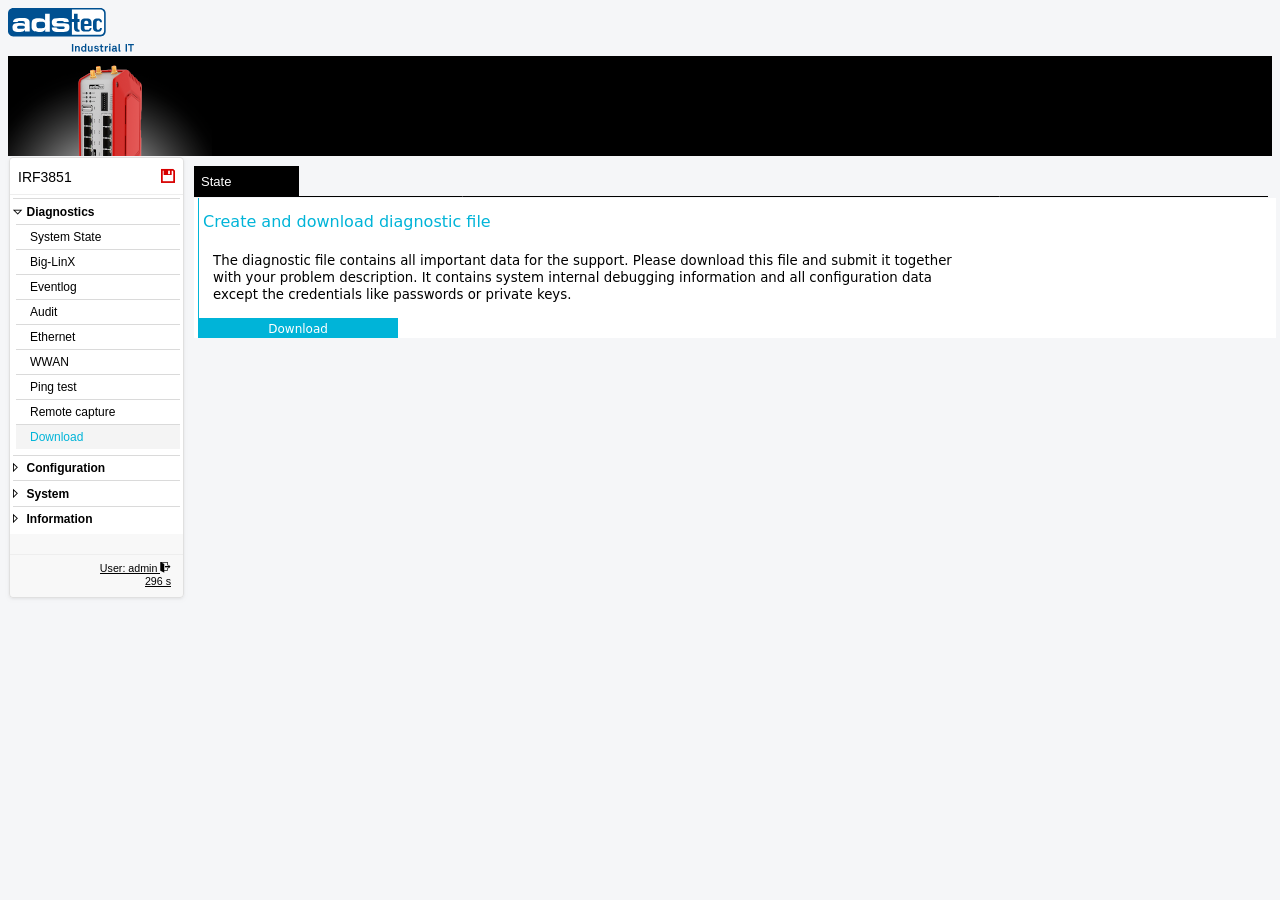
Creating a diagnostic file
Click the Download button to generate the diagnostic file. The device collects all relevant system information, compresses it into a single archive, and initiates a file download in your browser. Depending on the device configuration and the amount of stored log data, the file generation may take several seconds.
The diagnostic file contains, among other data:
- Current device configuration (network settings, firewall rules, VPN configurations, service parameters)
- System log entries and event history
- Interface states and network statistics
- Hardware and firmware information
- Docker container status (if applicable)
Note
Passwords, private keys, and other sensitive credentials are automatically excluded from the diagnostic file. The file can be safely transmitted to technical support without exposing authentication secrets.
ATTENTION
The diagnostic file may contain IP addresses, network topology details, and other configuration data specific to your installation. Handle the file in accordance with your organization's information security policies.
Related pages
- System State -- overview of current device status and recent log messages
- Eventlog -- full system event log with filtering capabilities
- Backup settings -- export and import of device configuration files