Input map
Navigation: Configuration > I/Os > Input map
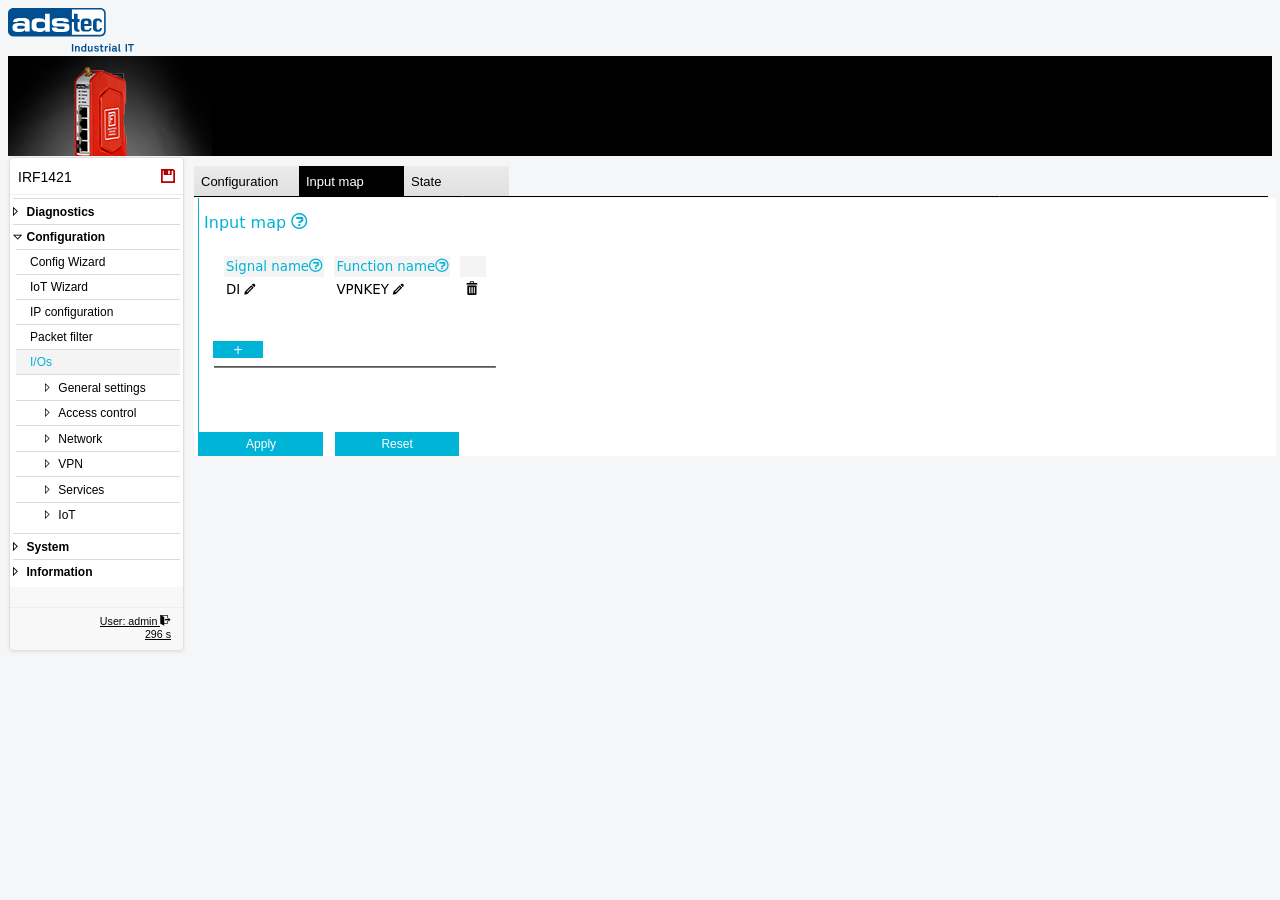
The Input map tab defines the logical assignment between the physical input signals on the device connector and the software functions they trigger. Each mapping entry links a hardware signal (e.g., the digital input DI) to a named function (e.g., VPNKEY). Use this tab to configure which software function is activated when a signal is received at a given input. For an overview of the CUT and alarm behavior configured on the main I/Os page, and to monitor the current signal state in real time, see the State tab.
Settings
Input map
The input map is presented as a table with one row per mapping entry. Use the + button to add a new mapping entry, or the delete icon to remove an existing one.
- Signal name
- The I/O signal name on the physical connector of the device. This identifies which hardware input is being mapped. The value can be edited inline.
- Function name
- The name of the software function which the I/O signal shall trigger. This determines what action the device takes when the corresponding input signal is activated. The value can be edited inline. For example, a function name of VPNKEY associates the input signal with a VPN key function.