State
Navigation: Configuration > IoT > Sources > Modbus/TCP sources > State
The State tab displays the current connection status of all configured Modbus/TCP sources. It provides a quick overview of which Modbus/TCP slaves are reachable and communicating successfully, and which may be experiencing connection problems. This read-only view is useful for monitoring the health of Modbus/TCP data acquisition and for troubleshooting connectivity issues. The Modbus/TCP sources themselves are configured on the Modbus/TCP sources configuration tab.
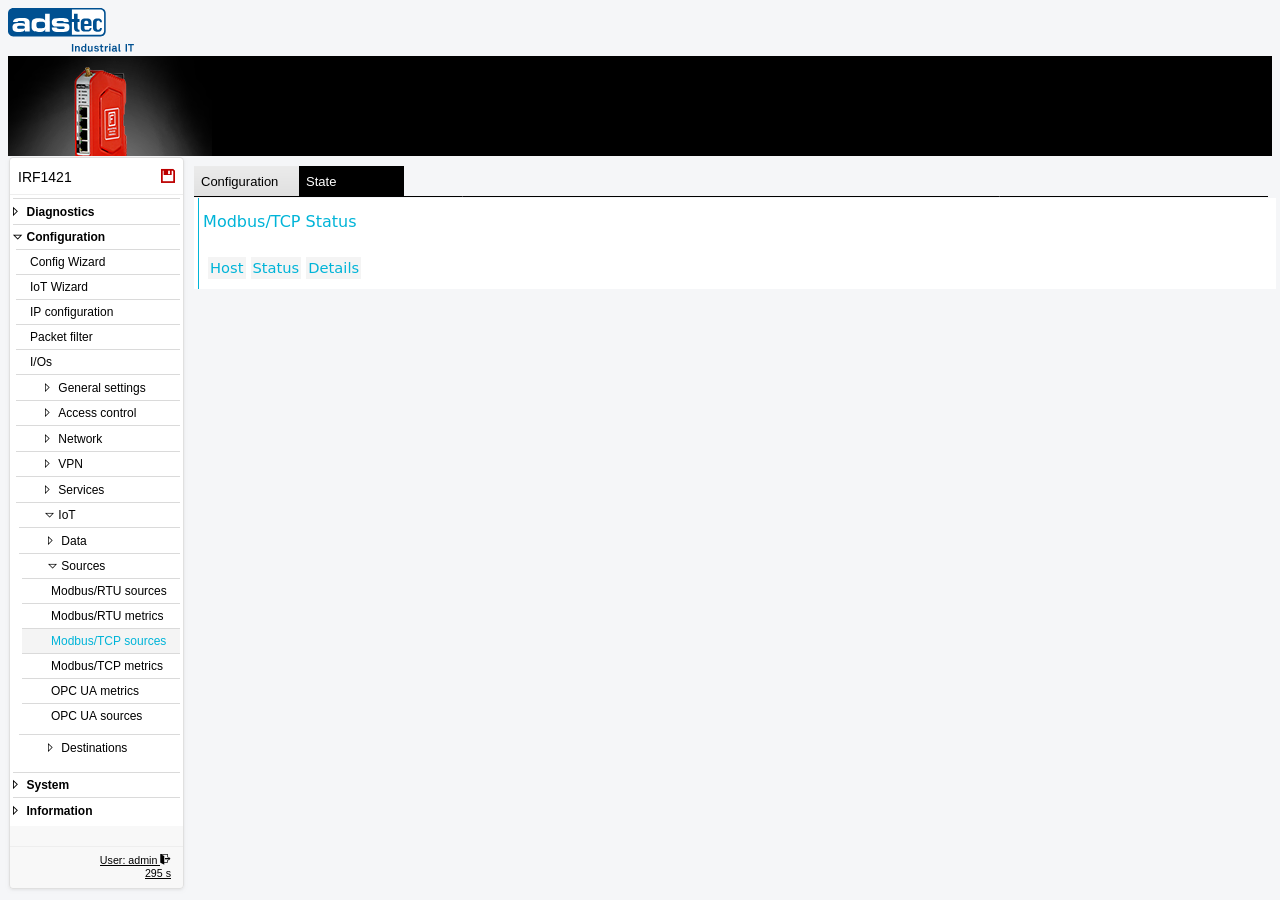
Displayed columns
- Host
- The IP address or hostname of the Modbus/TCP slave as configured on the Modbus/TCP sources page. This identifies which remote device the status information refers to.
- Status
- The current connection state of the Modbus/TCP source. This indicates whether the device is able to establish a connection to the remote Modbus/TCP slave and successfully read register data. A healthy status confirms that polling is operating as expected.
- Details
- Additional information about the connection state. If the source is experiencing errors, this column may provide further details about the nature of the problem, such as connection timeouts or communication failures. This information can assist in diagnosing network or device configuration issues.
Note
If the table is empty, no Modbus/TCP sources have been configured on the Modbus/TCP sources page. Configure at least one source and apply the settings for status information to appear here.