Backup settings
Navigation: System > Backup settings
This page allows you to create a backup of the current device configuration and to restore a previously saved configuration. The backup file contains all system settings, including network configuration, firewall rules, VPN tunnels, user accounts, certificates, and service configurations. Use this page regularly to maintain a recoverable copy of the device configuration, and always before performing a Software update or Factory defaults reset.
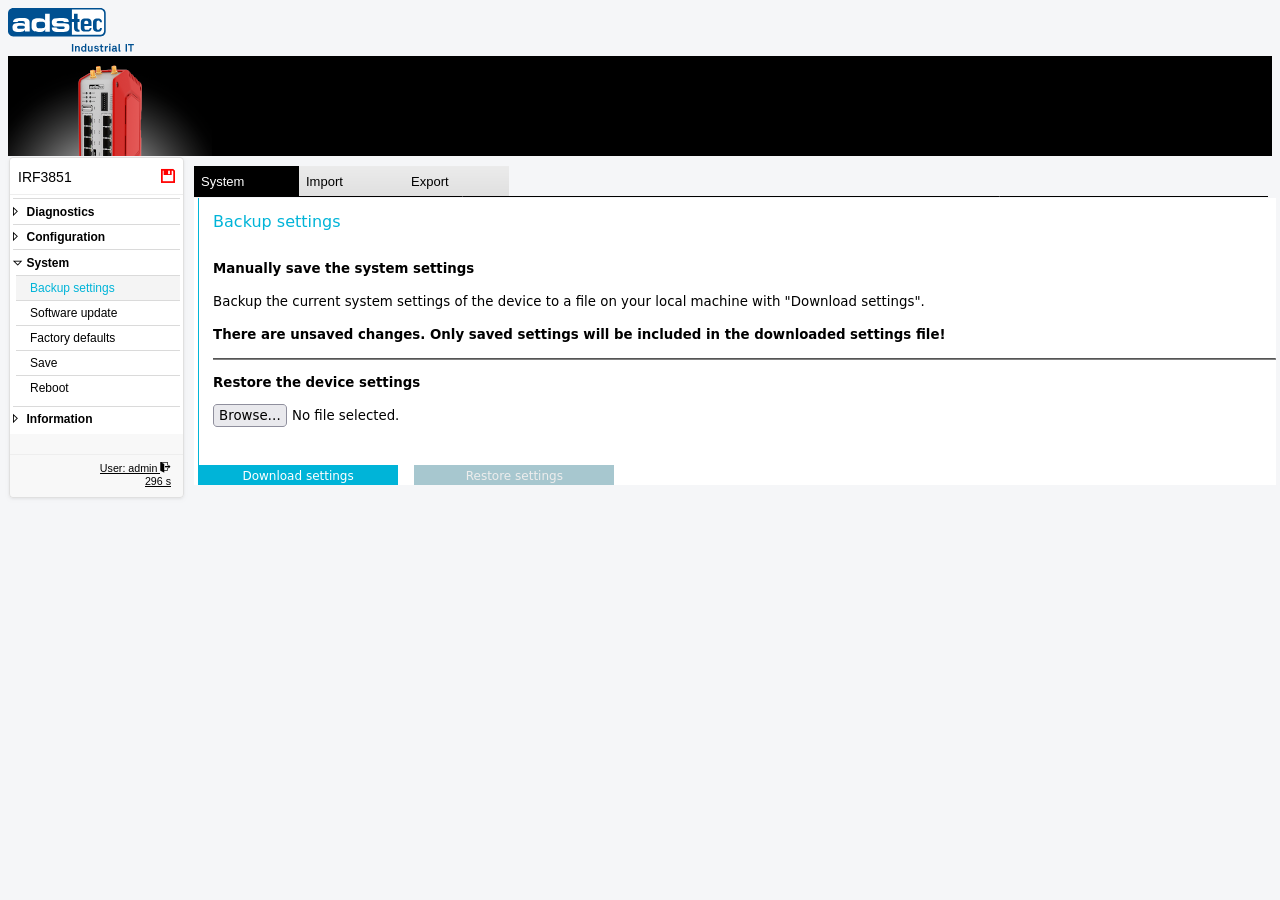
Manually save the system settings
To create a backup, click the Download settings button. The device generates a configuration file (.cf2) containing all current settings and offers it for download. Save this file to a secure location outside the device. The backup file reflects the configuration as it was last applied — ensure all pending changes have been applied before downloading.
Recommendation
Create a configuration backup before every firmware update, before resetting to factory defaults, and before making significant configuration changes. Store backup files in a version-controlled or otherwise organized manner, including the device name, firmware version, and date in the file name, so that the correct backup can be identified quickly when needed.
Restore the device settings
To restore a previously saved configuration, click Browse to select a backup file (.cf2) from your local machine, then click the Restore settings button. The device imports the settings from the file and applies them. After a successful restore, verify that the device operates as expected and save the restored configuration persistently via the Save page.
ATTENTION
Restoring a configuration file overwrites the entire current device configuration. All existing settings — including IP addresses, firewall rules, VPN configurations, and user accounts — are replaced with the contents of the backup file. If the restored configuration contains different network settings, the device may become unreachable at its current IP address. Only restore backup files that were created on the same device model and, where possible, on the same or a compatible firmware version.