Import
Navigation: System > Backup settings > Import
The Import tab allows you to restore a device configuration from a previously exported JSON file. Importing a configuration file applies its contents immediately, overwriting all existing settings on the device. This function is useful for restoring a known-good configuration, migrating settings between devices of the same model, or re-applying IoT configurations that were exported via the Export tab. For full device backups in .cf2 format, use the main Backup settings page instead.
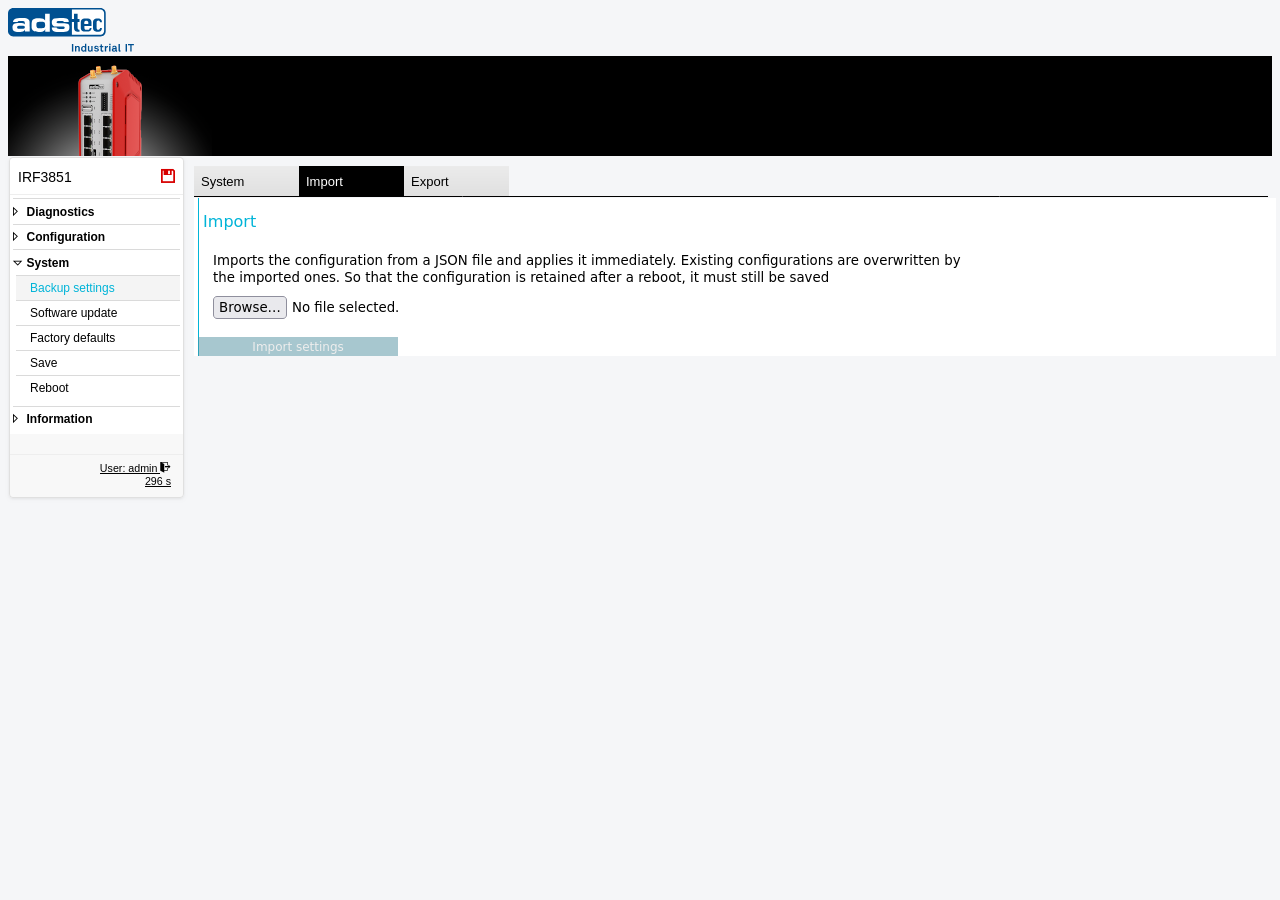
Importing a configuration file
To import a configuration, click Browse to select a JSON configuration file from your local machine, then click the Import settings button. The device reads the file, applies the imported configuration values, and overwrites any existing settings that are covered by the import file.
ATTENTION
Importing a configuration file immediately overwrites all existing settings that correspond to the imported data. If the imported file contains network settings that differ from the current configuration, the device may become unreachable at its current IP address. Only import configuration files that were created on the same device model and, where possible, on the same or a compatible firmware version.
Recommendation
The imported configuration is applied to the running system but is not yet saved persistently. To ensure the imported configuration is retained after a reboot, navigate to the Save page and save the configuration to flash memory. If the imported configuration causes connectivity problems, a reboot without saving restores the previous persistent configuration.