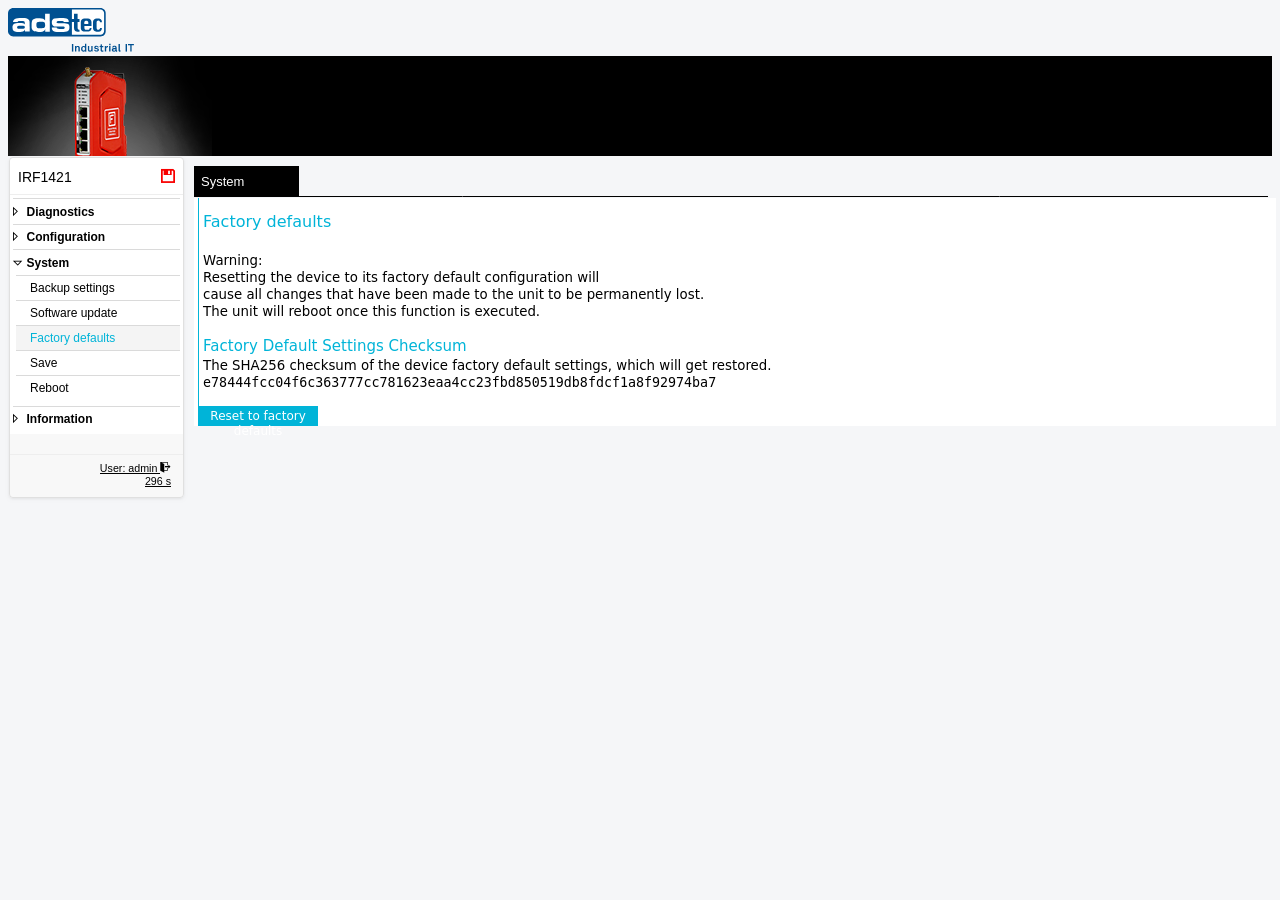
Factory defaults
Navigation: System > Factory defaults
This page resets the IRF1000 to its factory default configuration. All user-defined settings — including IP addresses, firewall rules, VPN configurations, user accounts, certificates, and scheduled tasks — are permanently erased and replaced with the original defaults shipped with the device. The device reboots automatically after the reset is executed. This operation cannot be undone.
ATTENTION
Clicking Reset to factory defaults irreversibly deletes the entire device configuration. All network settings, firewall rules, VPN tunnels, user accounts, uploaded certificates, and service configurations are lost. The device reboots immediately and starts up with factory default settings. After the reset, the device is only reachable at its default IP address. Before performing a factory reset, create a configuration backup via the Backup settings page so that the configuration can be restored if needed.
Performing a factory reset
To reset the device, click the Reset to factory defaults button. The device erases its stored configuration, reboots, and returns to the factory default state. During the reboot, the device is temporarily unreachable. Once the reboot is complete, the web interface is accessible at the default IP address using the default credentials.
Recommendation
Always use the Backup settings page to export a full configuration backup before performing a factory reset. Store the backup file in a safe location outside the device. This allows the previous configuration to be restored quickly after a reset or when commissioning a replacement device.
Customer default settings
ADS-TEC Industrial IT offers a service to ship devices with customer-specific factory default configurations. With this service, a factory reset restores the customer's own baseline configuration instead of the ADS-TEC product defaults. For details, contact your local ADS-TEC representative or reach out to ADS-TEC service and support. A detailed Application Note is available to contract customers on request.