GPS service — State
Navigation: Configuration > Services > GPS service > State
The State tab shows the live GPS status reported by the GNSS receiver. The GPS service itself is enabled on the GPS service configuration tab.
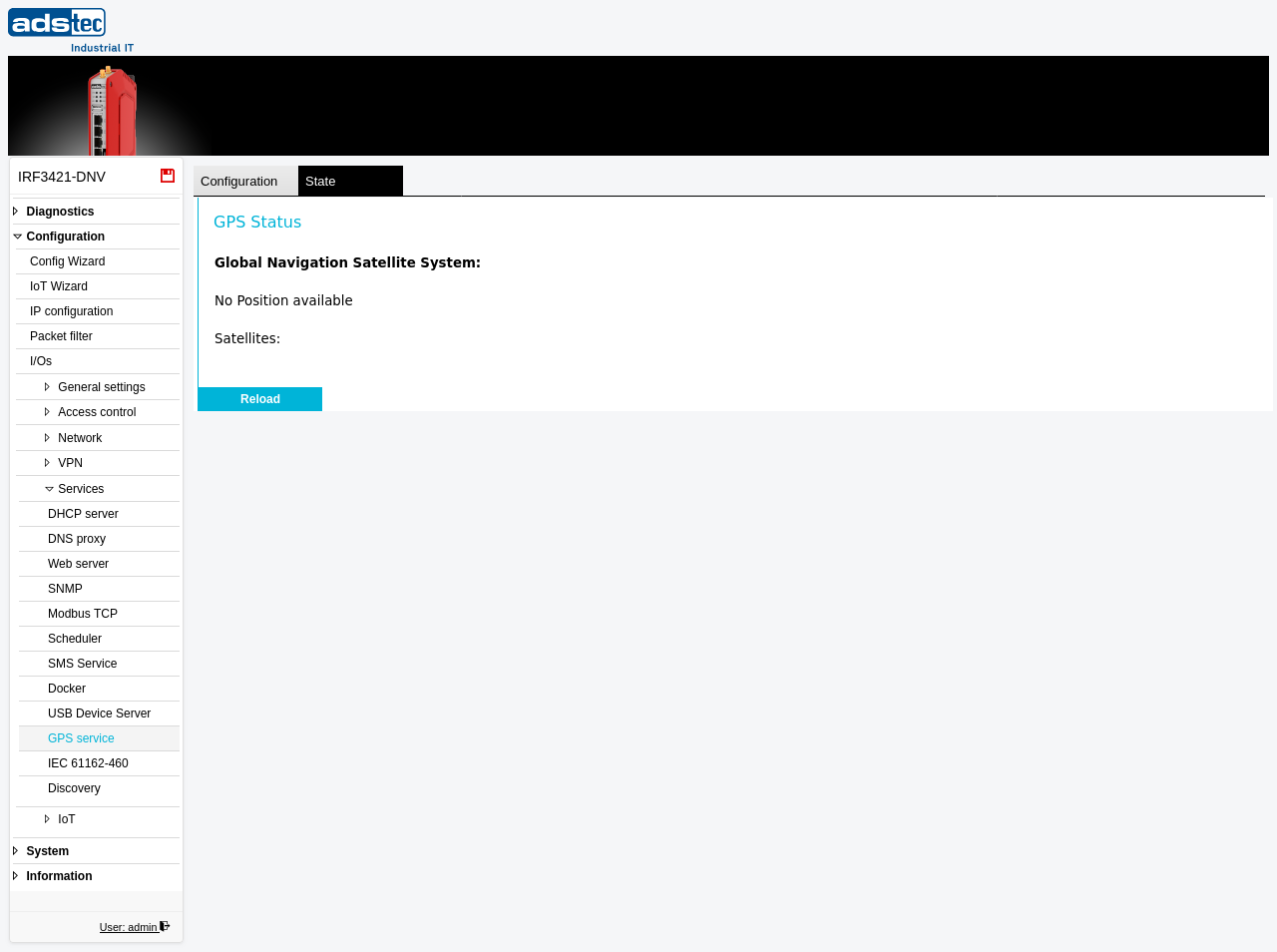
GPS Status
When the service is enabled and a satellite fix is available, the page reports the current reading of the Global Navigation Satellite System:
- Time — the UTC time reported by the GNSS receiver.
- Latitude / Longitude — the geographic coordinates of the current position.
- Altitude[m] — the altitude above sea level in metres.
- Course — the direction of travel (heading).
- Speed[m/s] — the ground speed in metres per second.
- Satellites — the number of satellites currently used for the fix.
Without a fix — for example indoors or without a GPS antenna — no position is reported. Click Reload to refresh the status.
Note
This is a read-only status view. To enable the GPS service, switch to the GPS service configuration tab.