Port forwarding
Navigation: Configuration > VPN > Big-LinX > Port forwarding
The Port forwarding tab displays the current status of dynamic port forwarding rules that are active through the Big-LinX VPN connection. When a remote user connects to the device via the Big-LinX cloud platform, the platform can dynamically establish port forwarding rules that map local ports on the device to target ports on machines in the local network behind the firewall. This read-only view allows the operator to monitor which port forwarding sessions are currently active. The Big-LinX VPN connection is configured on the Big-LinX configuration tab, and the overall connection status can be monitored on the Big-LinX diagnostics page.
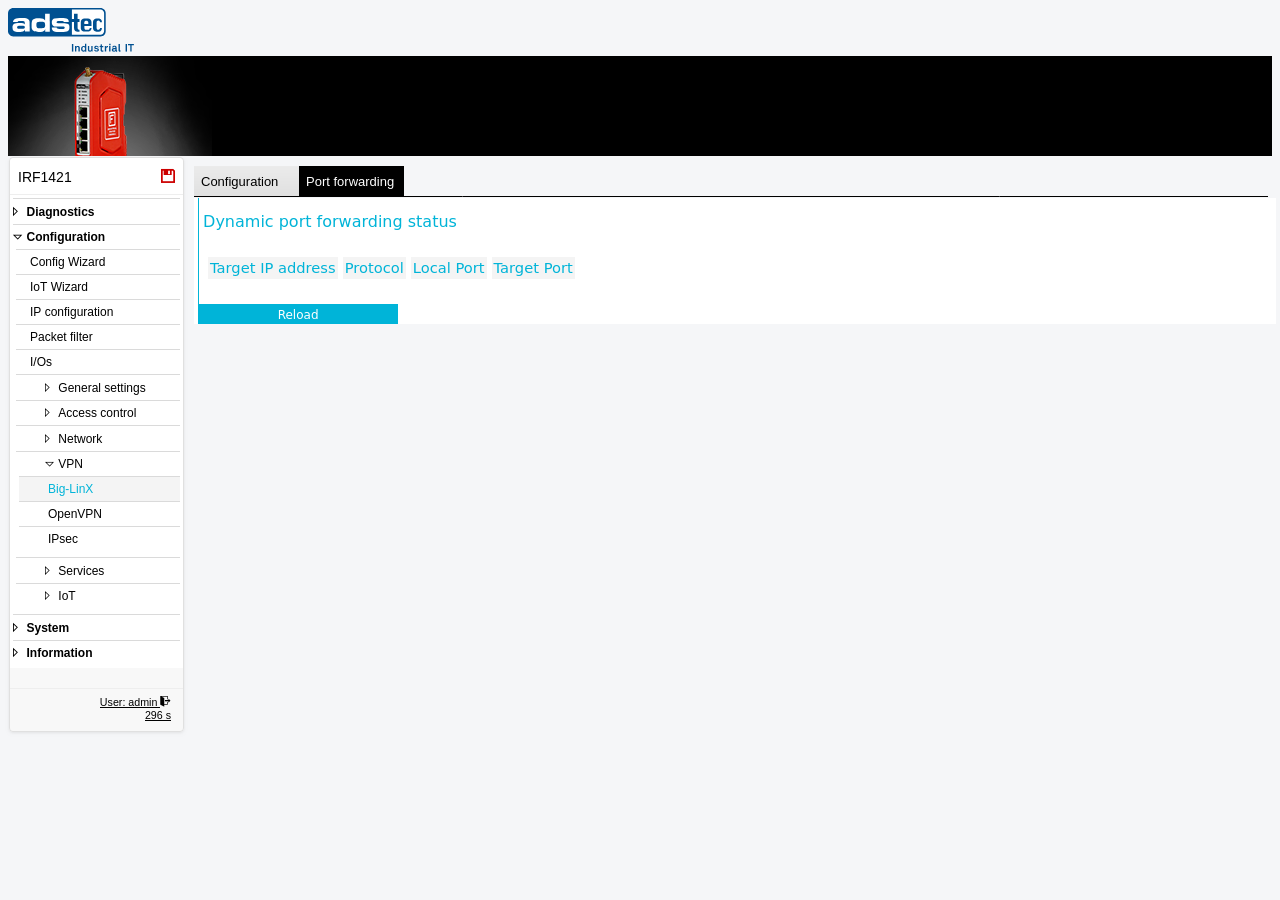
Dynamic port forwarding status
The page displays a table of currently active port forwarding entries. Each row represents one forwarding rule that has been dynamically established through the Big-LinX VPN tunnel. The table contains the following columns:
- Target IP address
- The IP address of the target device on the local network to which traffic is forwarded. This is the machine behind the firewall that the remote user is accessing through the Big-LinX VPN connection.
- Protocol
- The transport protocol used for the forwarded connection, typically TCP or UDP.
- Local Port
- The port number on the IRF1000 device that accepts the incoming connection from the Big-LinX VPN tunnel. Remote users connect to this port through the Big-LinX cloud infrastructure.
- Target Port
- The destination port on the target device to which the traffic is forwarded. This is the actual service port on the local machine (e.g., port 80 for HTTP, port 443 for HTTPS, or port 502 for Modbus TCP).
Click Reload to refresh the table with the current port forwarding state.
Note
The port forwarding entries shown here are managed dynamically by the Big-LinX cloud platform and cannot be edited directly on the device. The entries are only present while a Big-LinX VPN connection is active and a remote user has established a port forwarding session. When the VPN connection is closed or the remote session ends, the corresponding entries are automatically removed.