Upload firmware
Navigation: System > Software update > Upload firmware
The Upload firmware tab updates the device with a firmware file by using a browser file upload. The currently installed firmware versions are shown at the top of the page; for the shared behaviour and the other update methods, see the Software update page.
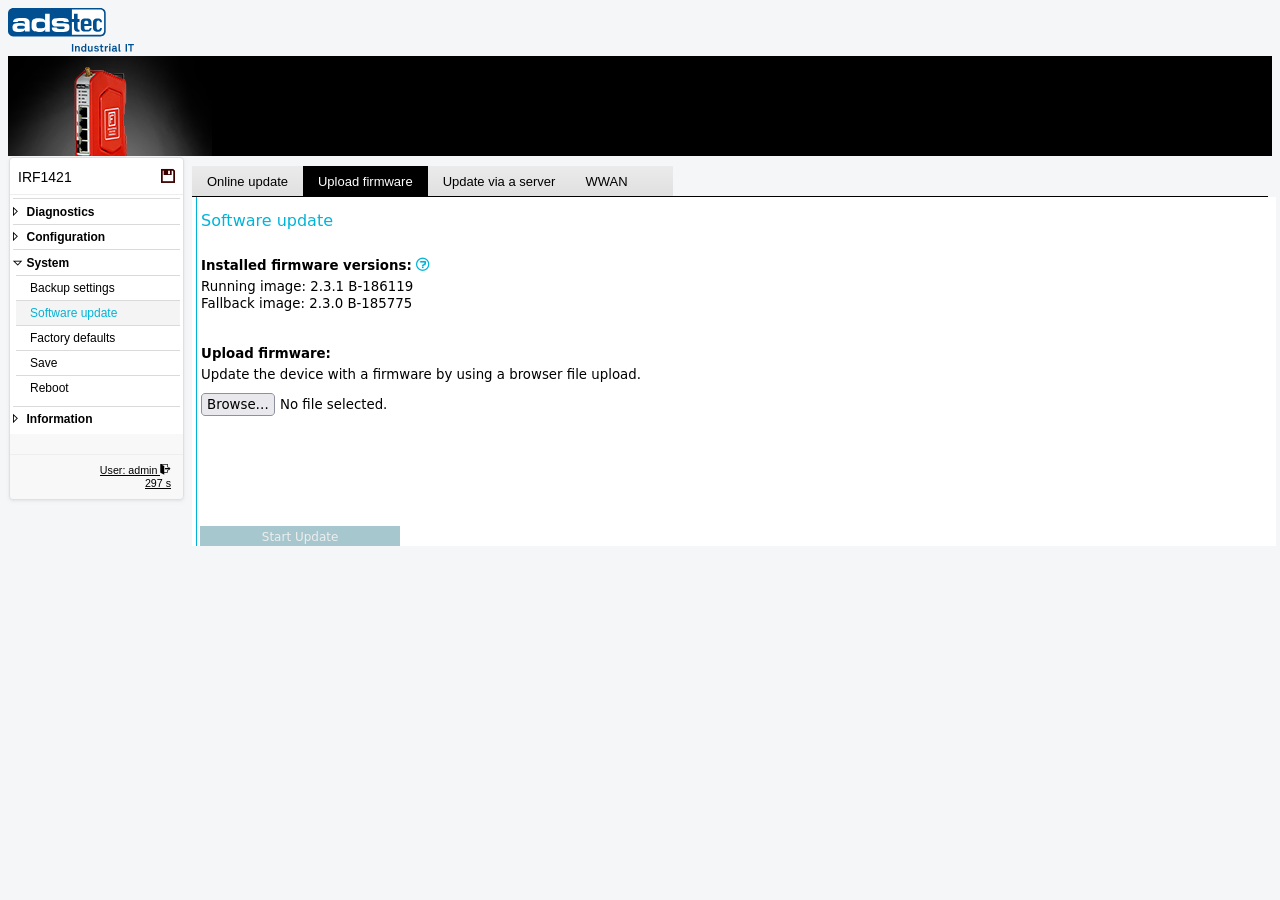
Click Browse… to select the firmware file, then Start Update to upload and install it.
ATTENTION
Do not interrupt the firmware update process. Ensure a stable power supply and network connectivity during the update. Create a backup of the device configuration before updating — especially before a downgrade, which may reset the configuration.
Security
Firmware images are signed and encrypted; the device verifies the signature and decrypts the image before installing it, so an uploaded image cannot be forged or tampered with regardless of how it reached the device. Note, however, that the device does not block an older, still-validly-signed firmware (there is no downgrade/anti-rollback protection) — do not downgrade to a version with known vulnerabilities.