State
Navigation: Configuration > VPN > OpenVPN > State
The State tab displays the current connection status of all configured OpenVPN tunnels. It provides a real-time overview of which tunnels are active, connected, or disconnected, allowing operators to quickly verify VPN connectivity without leaving the OpenVPN configuration page. The individual tunnel instances are configured on the VPN1 through VPN10 tabs of the OpenVPN page.
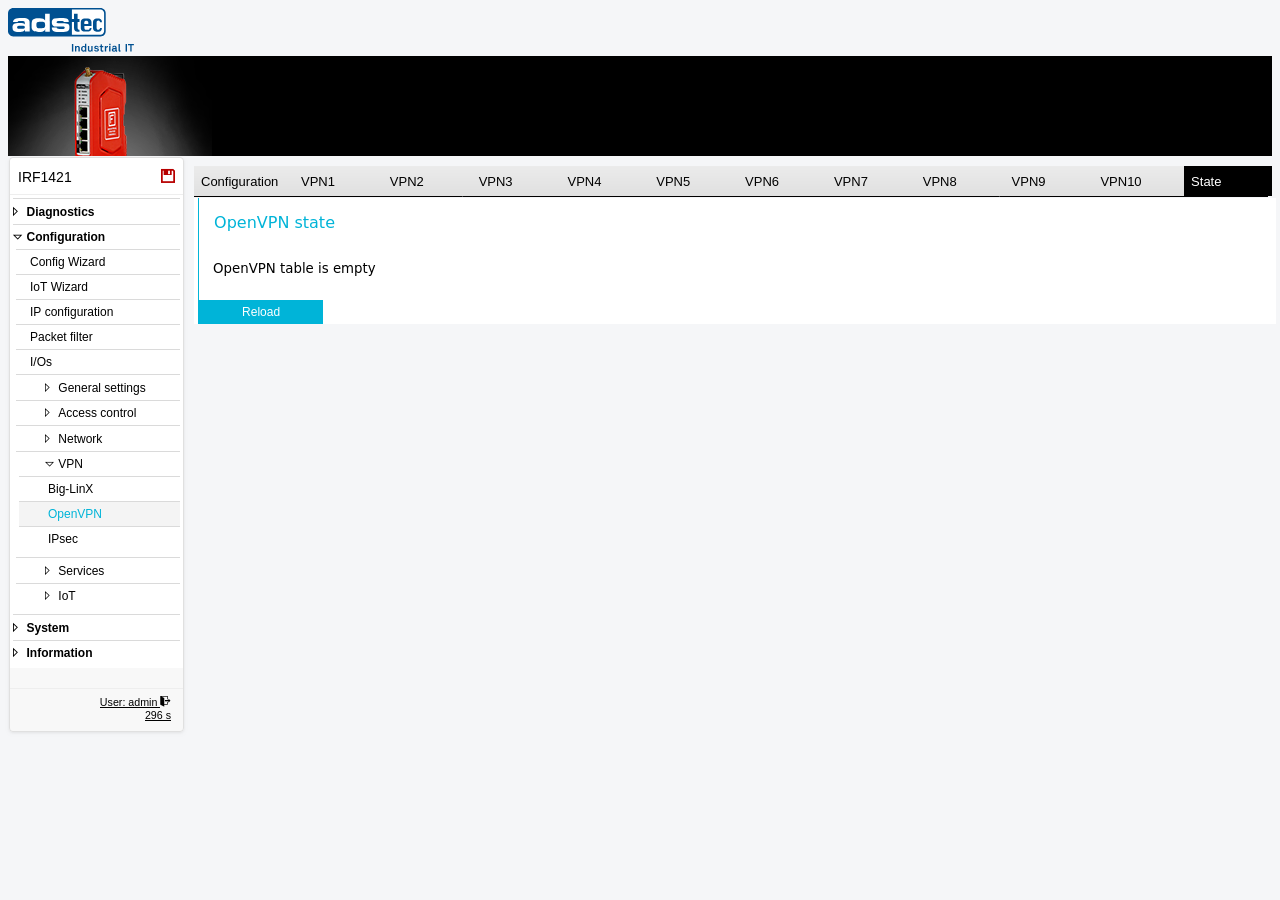
Status display
This tab is a read-only status view. When OpenVPN tunnels have been configured on the VPN1 through VPN10 tabs, the status table lists each tunnel with its current connection state. When no tunnels are configured, the message "OpenVPN table is empty" is displayed.
The Reload button refreshes the displayed status information to reflect the most recent connection state of all configured tunnels.
ATTENTION
The State tab only displays tunnels that have been configured on the individual VPN tabs of the OpenVPN page. If no tunnels appear, verify that at least one VPN tunnel instance has been configured and that settings have been applied. For detailed VPN diagnostics, also consult the Eventlog and the System State page.