Discovery
Navigation: Configuration > Services > Discovery
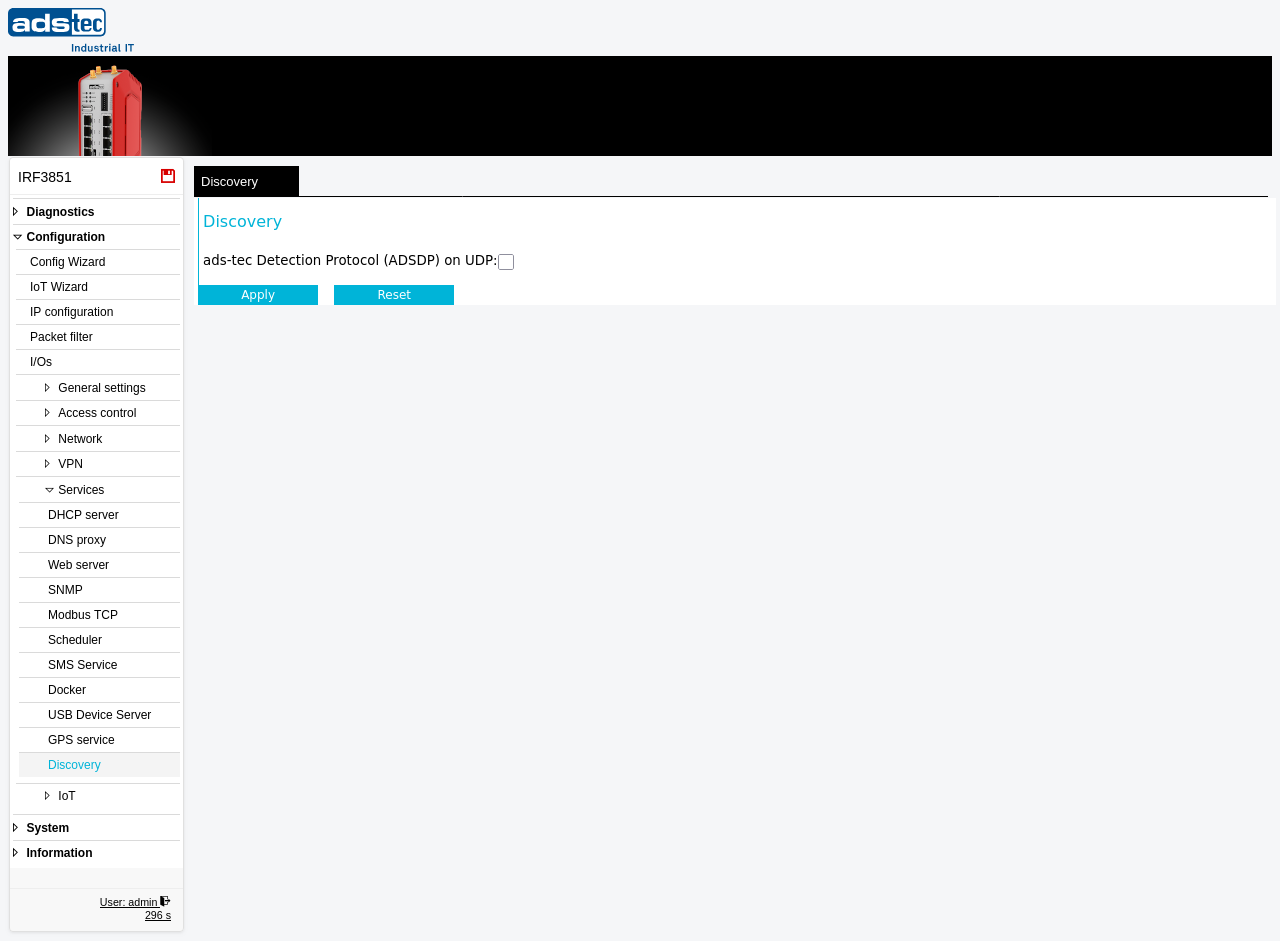
The Discovery page controls the ads-tec Detection Protocol (ADSDP), a UDP-based network discovery service. When enabled, the device announces its presence on the local network by periodically sending UDP broadcast packets. This allows the ADS-TEC Industrial IT management software to automatically detect and identify IRF devices on the network without requiring manual entry of IP addresses. The discovery protocol operates on the LAN side and is intended for initial device setup, inventory, and commissioning scenarios.
Settings
- ads-tec Detection Protocol (ADSDP) on UDP
- Enables or disables the ADSDP network discovery service. When the checkbox is activated, the device responds to ADSDP discovery requests and can be detected by the ADS-TEC management software. When deactivated, the device does not participate in ADSDP discovery and is not visible to automated device scans.
Security
Disable the ADSDP discovery service once the device has been commissioned and its IP address is known. An active discovery protocol increases the device's visibility on the network and may expose device information to unauthorized parties. In production environments, disable discovery to reduce the attack surface in accordance with network hardening best practices.