USB Device Server — State
Navigation: Configuration > Services > USB Device Server > State
The State tab displays the current status of USB devices connected to the IRF3000 and shared via the USB/IP service. Use this view to verify which USB devices are physically attached to the device and available for remote access. The USB/IP service itself is configured on the USB Device Server configuration tab, where the service activation and network access controls are defined.
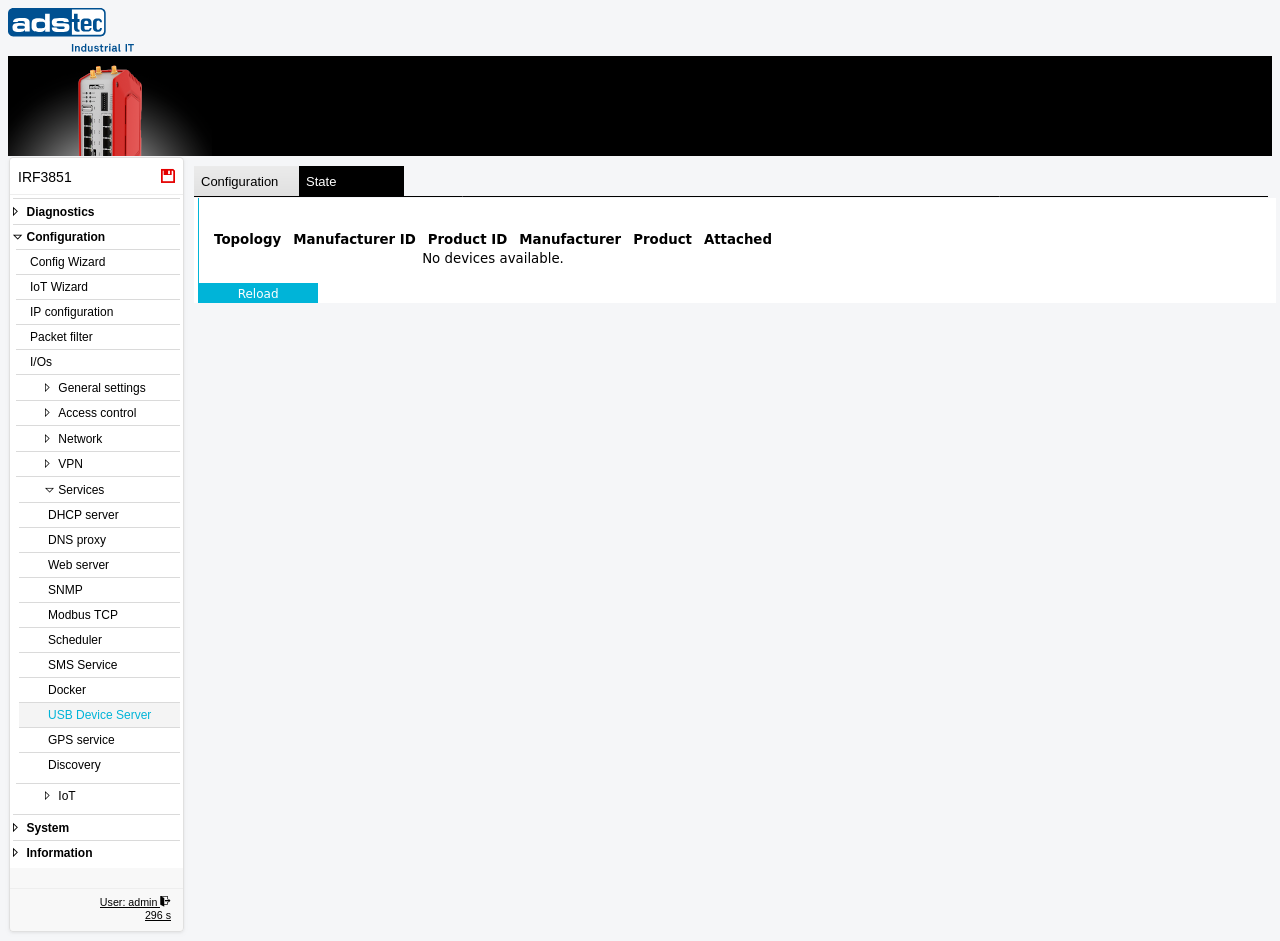
USB device status
The table lists all USB devices currently detected on the device's USB port. Each row represents one USB device. The table shows "No devices available." when no USB devices are connected or when the USB/IP service is not activated.
- Topology
- The USB bus topology path identifying where the device is connected in the USB device tree (e.g., bus ID and port number).
- Manufacturer ID
- The USB vendor ID (VID) of the connected device, as assigned by the USB Implementers Forum. This is a hexadecimal identifier that uniquely identifies the device manufacturer.
- Product ID
- The USB product ID (PID) of the connected device, as assigned by the manufacturer. Together with the Manufacturer ID, this uniquely identifies the device model.
- Manufacturer
- The human-readable name of the USB device manufacturer, as reported by the device's USB descriptor.
- Product
- The human-readable product name of the USB device, as reported by the device's USB descriptor.
- Attached
- Indicates whether the USB device is currently attached to a remote USB/IP client. When a remote client has bound the device, this field shows the connection status.
Click Reload to refresh the device table with the latest USB device information.
Note
This is a read-only status view. To enable or disable the USB/IP service or to configure network access controls, switch to the Configuration tab on the USB Device Server page.