State
Navigation: Configuration > Services > DHCP server > State
The State tab displays all currently active DHCP leases assigned by the IRF1000. Use this view to verify which clients have received an IP address, to identify devices on the network, and to troubleshoot address assignment issues. The DHCP server itself is configured on the DHCP server configuration tab, where address ranges, interfaces, and lease times are defined.
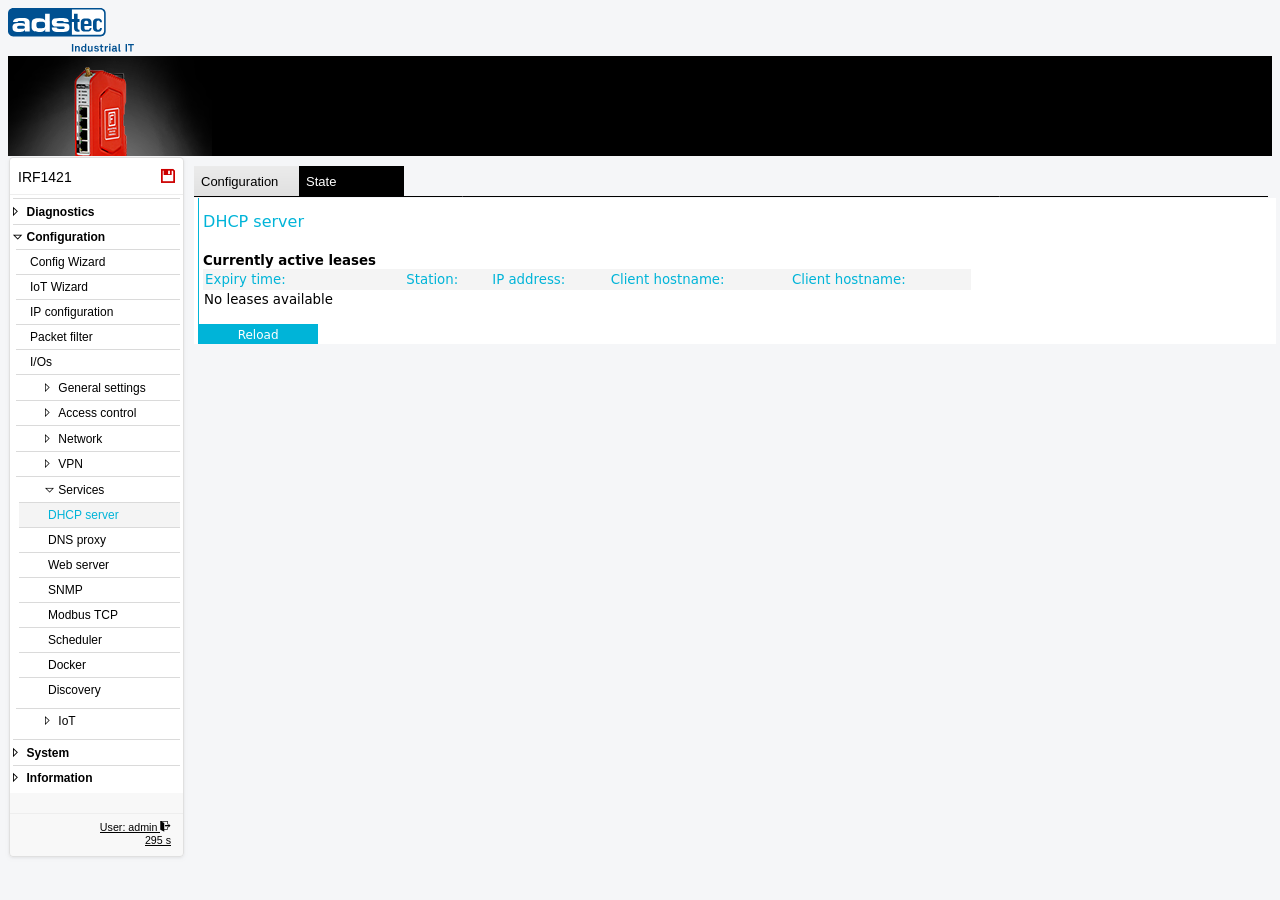
Currently active leases
The table lists all DHCP leases that are currently in effect. Each row represents one client that has been assigned an IP address by the DHCP server. The table is empty when no leases are active or when the DHCP server is disabled.
- Expiry time
- The date and time at which the lease expires. After this point the client must renew its lease or request a new IP address. The expiry time is determined by the DHCP lease time configured on the DHCP server page.
- Station
- The MAC address of the client device that holds the lease. This uniquely identifies the network interface of the client.
- IP address
- The IP address that was assigned to the client from the configured address pool.
- Client hostname
- The hostname reported by the client during the DHCP request. Not all clients provide a hostname; this field may be empty for devices that do not transmit one.
- Client id
- The client identifier sent by the client in the DHCP request. This is typically derived from the client's MAC address but may be a custom identifier configured on the client device.
Click Reload to refresh the lease table with the latest data from the DHCP server.
Note
This is a read-only status view. To modify the DHCP server settings such as address ranges or lease times, switch to the Configuration tab on the DHCP server page.