State
Navigation: Configuration > IoT > Destinations > MQTT destination > State
The State tab displays the current connection status of all configured MQTT destinations. It provides a real-time overview of whether the device is connected to each MQTT broker and able to transmit IoT measurement data. This read-only view is useful for verifying that MQTT broker connections are established and operating correctly, and for troubleshooting connectivity or authentication issues. The MQTT destinations themselves are configured on the MQTT destination configuration tab.
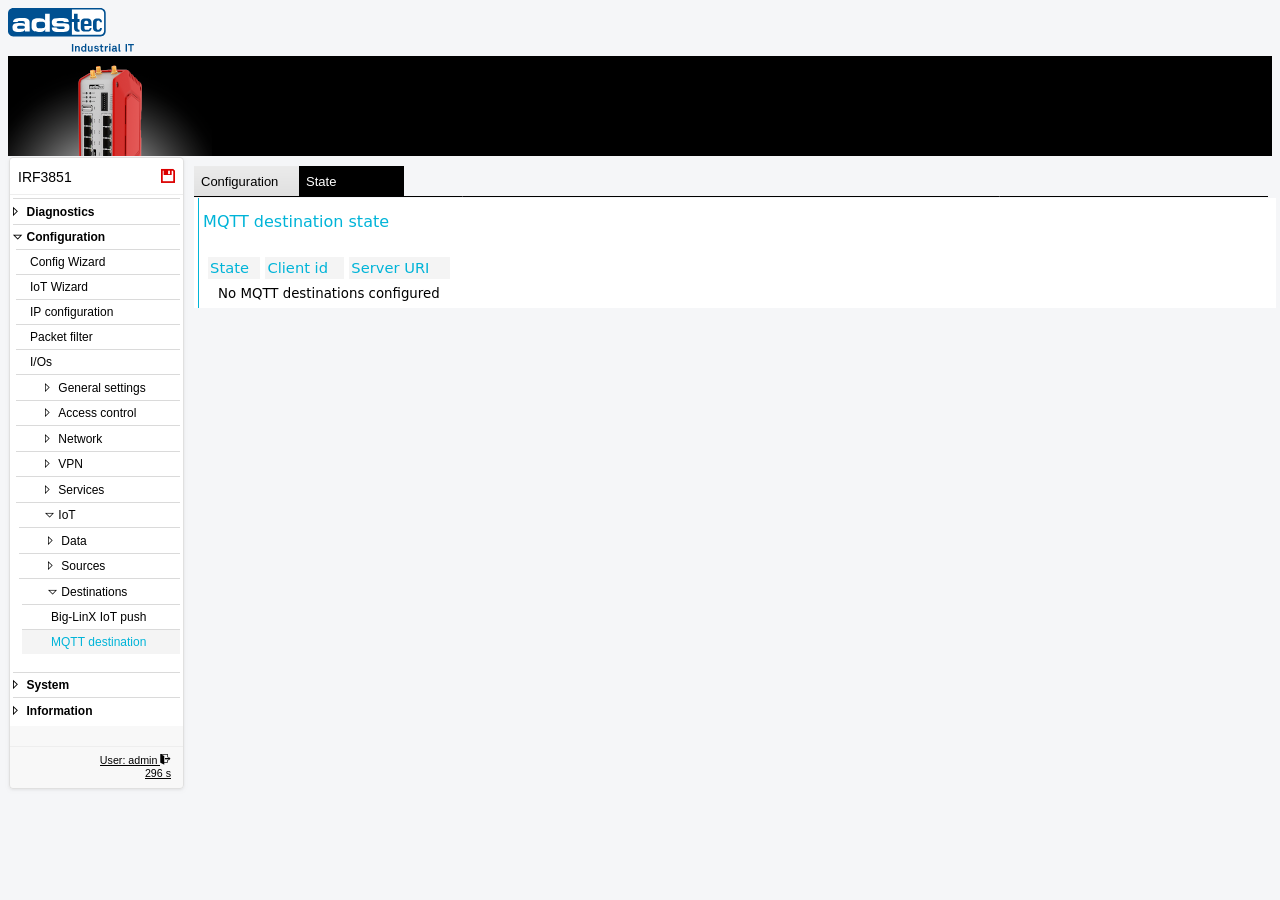
Displayed columns
- State
- The current connection state of the MQTT destination. This indicates whether the device has successfully connected to the MQTT broker and is ready to publish measurement data. A connected state confirms that data transmission to this broker is operational.
- Client id
- The MQTT client ID used to identify this device on the broker, as configured on the MQTT destination page. Each MQTT destination should use a unique client ID to avoid conflicts on the broker.
- Server URI
- The broker connection URI (e.g.,
tcp://hostname:portorssl://hostname:port) as configured on the MQTT destination page. This identifies which MQTT broker the status information refers to.
Note
If the message "No MQTT destinations configured" is displayed, no MQTT broker connections have been set up on the MQTT destination page. Configure at least one destination with a valid broker URI and apply the settings for status information to appear here.