State
Navigation: Configuration > VPN > IPsec > State
The State tab displays the current status of all configured IPsec tunnels. It provides a real-time overview of which tunnels are established, being negotiated, or disconnected, enabling operators to monitor VPN connectivity and troubleshoot connection issues. The IPsec connections are configured on the Configuration tab of the IPsec page.
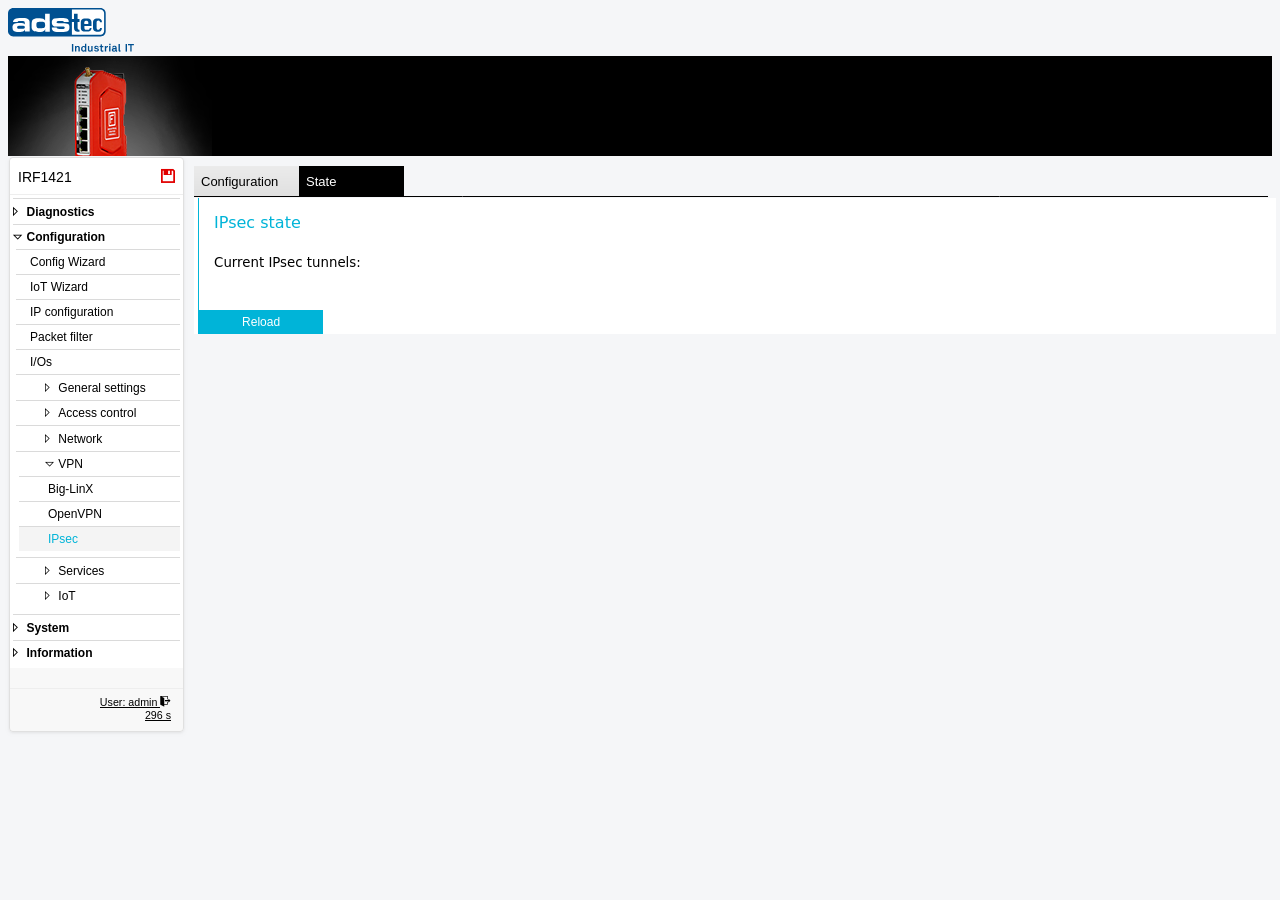
Status display
This tab is a read-only status view. Under the heading "Current IPsec tunnels", the page lists all configured IPsec connections with their current tunnel state. When active tunnels are established, the display shows details such as the connection name, the remote peer address, and the negotiated security parameters. When no IPsec tunnels are currently active, the list is empty.
The Reload button refreshes the displayed status information to reflect the most recent connection state of all configured IPsec tunnels.
ATTENTION
The State tab only displays tunnels that have been configured on the Configuration tab of the IPsec page. If no tunnels appear, verify that IPsec is enabled, at least one connection has been added, and settings have been applied. For detailed IPsec diagnostics, increase the log level on the IPsec configuration page and consult the Eventlog. The System State page also provides an overview of VPN connection states.