Software update
Navigation: System > Software update
The Software update page updates the device firmware. Each update method is on its own tab: Online update (described below), Upload firmware, and Update via a server, and WWAN for the cellular-modem firmware. The currently installed firmware versions are shown at the top of every tab. When an update is started, the device installs it and reboots automatically.
Fallback image
A firmware update always replaces the fallback image; the currently running image then becomes the new fallback. To boot the fallback image afterwards, use the Reboot page.
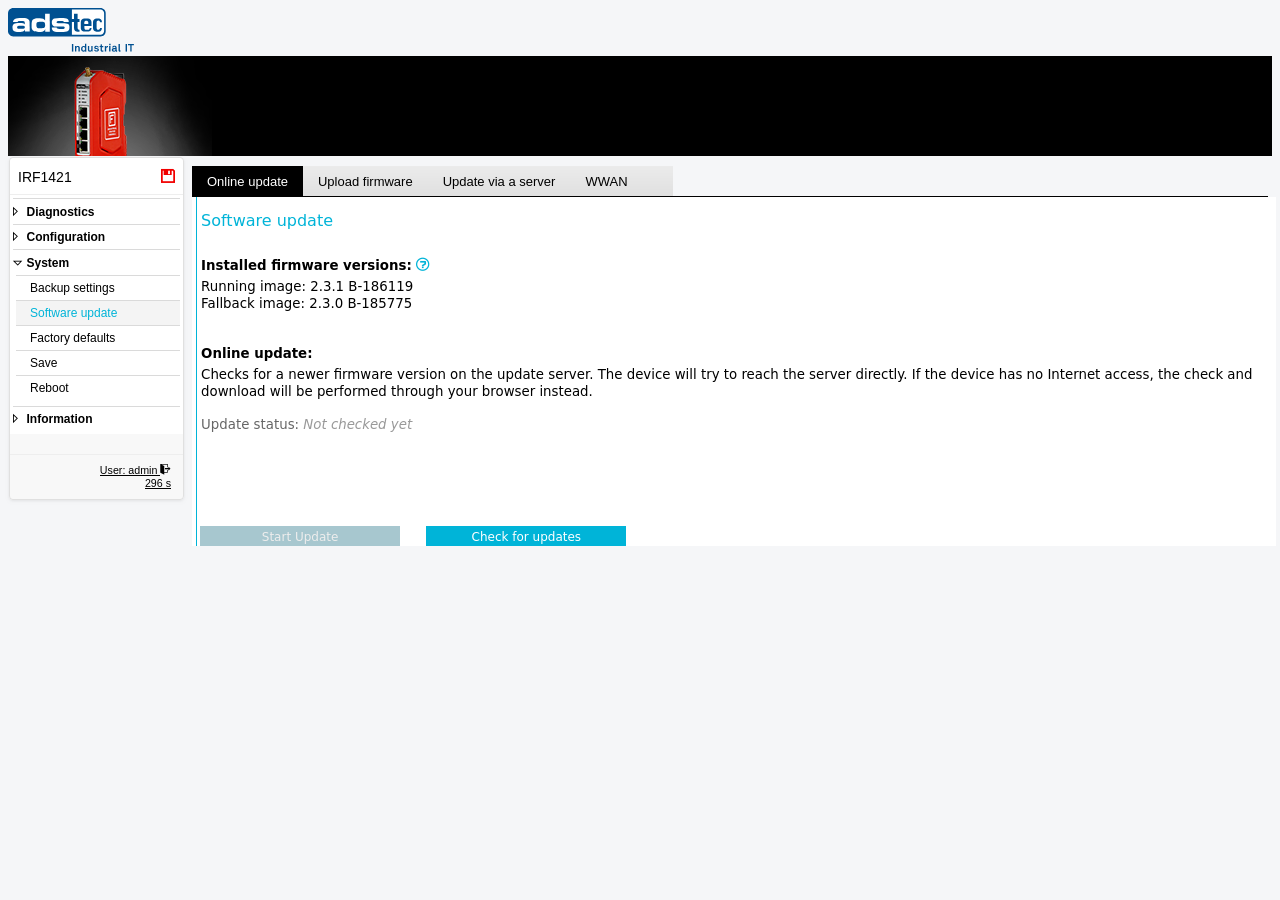
Installed firmware versions
Shown at the top of every tab:
- Running image
- The firmware version currently running on the device (version and build number).
- Fallback image
- The firmware version stored as the fallback — booted if the running image fails — or N/A if none is present.
Online update
Checks the update server for a newer firmware version. The device tries to reach the server directly; if it has no Internet access, the check and download are performed through your browser instead. The Update status shows the result (for example Not checked yet). Click Check for updates to query the server, then Start Update to install a newer version if one is offered.
ATTENTION
Do not interrupt the firmware update process. Ensure a stable power supply and network connectivity during the update. Create a backup of the device configuration before updating — especially before a downgrade, which may reset the configuration.
Security
Firmware images are signed and encrypted, and the device verifies the signature and decrypts each image before installing it. Update integrity therefore does not depend on a secure transport: the transfer itself is unprotected (HTTP, FTP, TFTP, or browser upload), but a tampered or forged image is rejected. Two residual risks remain on an unprotected update path — a man-in-the-middle can suppress update discovery (hiding that a newer version is available) and can offer an older, still-validly-signed firmware, which the device does not reject (there is no downgrade/anti-rollback protection). Use a trusted network path, verify the offered version before installing, and be especially cautious with downgrades.