Export
Navigation: System > Backup settings > Export
The Export tab allows you to export a selected set of configuration parameters to a JSON file. Unlike the full device backup available on the main Backup settings page, the export function creates a partial configuration file that can be imported on another device without affecting the rest of that device's configuration. This is useful for transferring specific configuration subsets — such as IoT settings — between multiple devices of the same model.
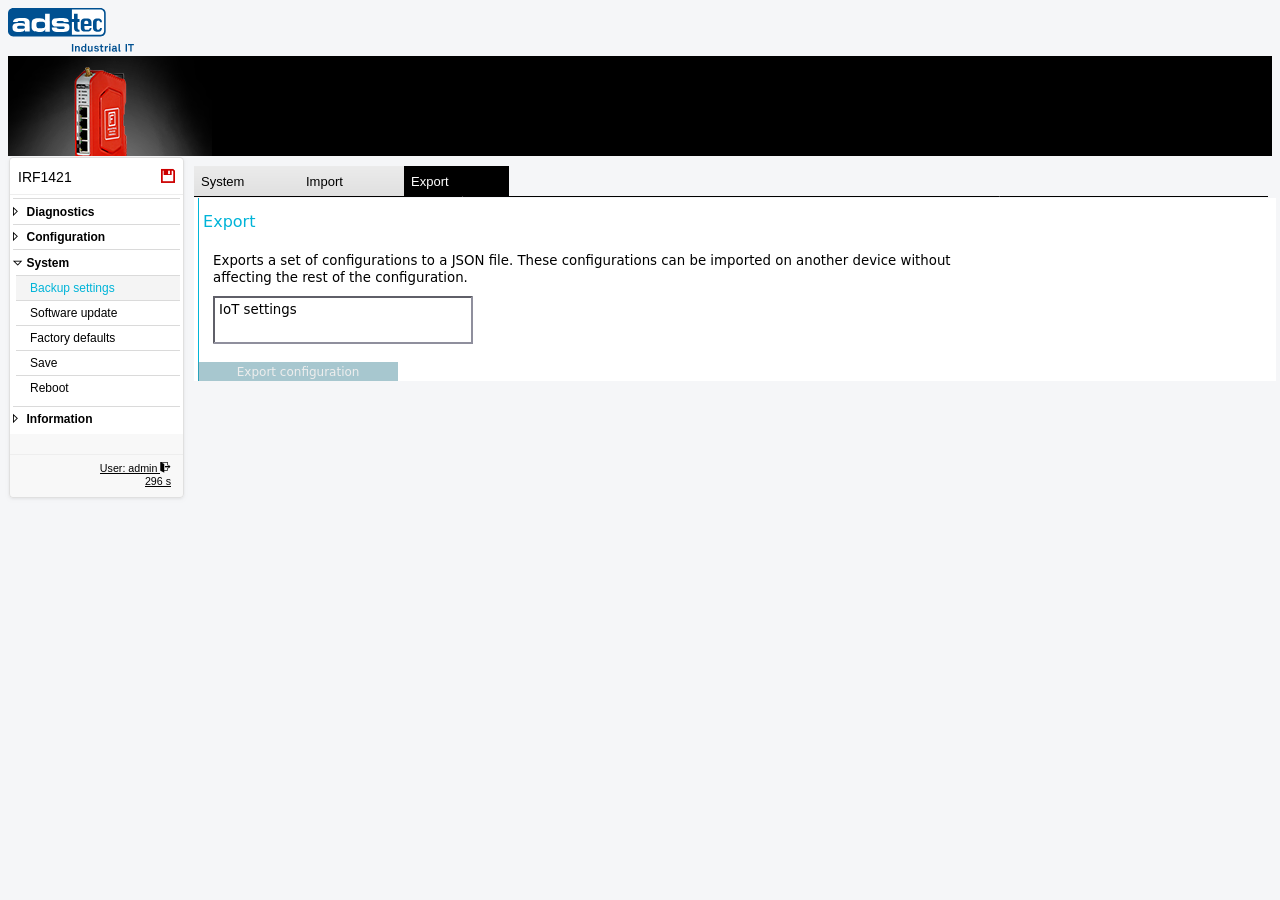
Available configuration sets
The page displays the configuration sets available for selective export. Select one or more sets to include in the export file:
- IoT settings
- Exports the complete IoT configuration, including data sources (Modbus RTU, Modbus TCP, OPC UA), metrics definitions, difference filter settings, and IoT destinations (Big-LinX IoT push, MQTT). This allows IoT configurations to be replicated across multiple devices without reconfiguring each one individually.
Exporting a configuration
Select the desired configuration sets and click the Export configuration button. The device generates a JSON file containing the selected settings and offers it for download. Save this file to a secure location. The exported file can be imported on the same or another device of the same model via the Import tab.
Recommendation
The selective export is intended for transferring specific configuration subsets between devices. For a complete device backup that includes all settings, use the main Backup settings page to download a full .cf2 backup file.